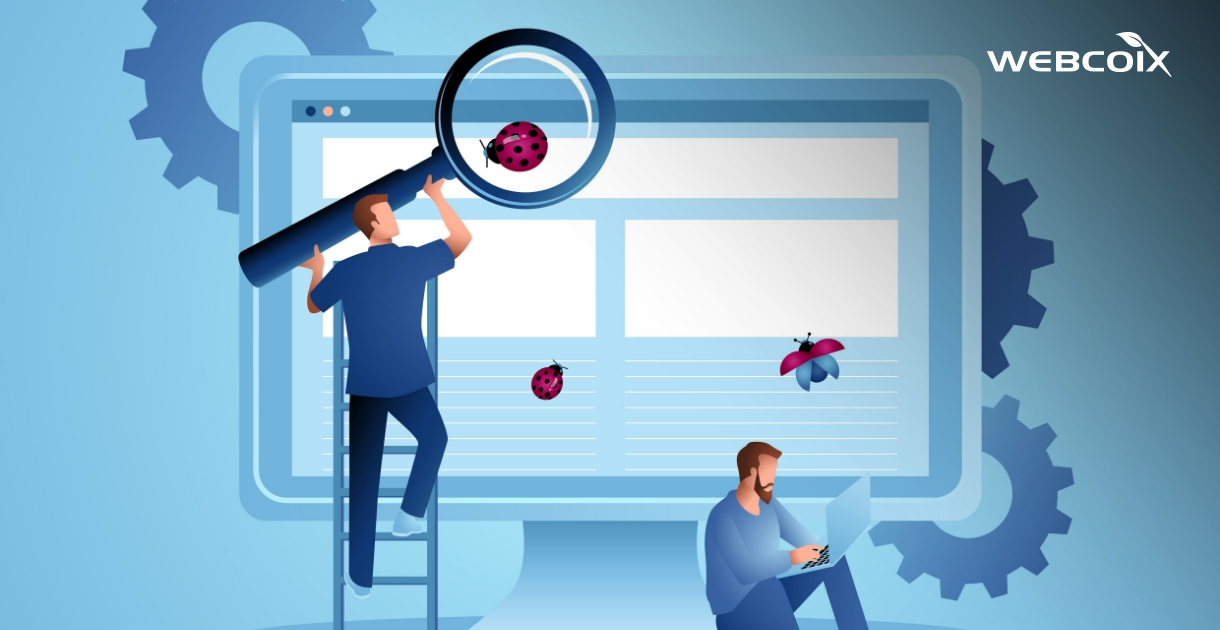


Updating a plugin, changing a template or adding a feature seems simple, until the contact form stops sending, the checkout page goes blank or the mobile menu disappears. The safest way to avoid this is to test every change on a copy of your website first. That copy is called a staging site.
What Is a Staging Site?
A staging site is a private duplicate of your live website, hosted at a separate address. You apply the update there, test it, and only then repeat it on the live site. If something breaks, customers never see it.
Set It Up Safely
- Take a full backup first of files and database, as outlined in SSL, backups and patches.
- Block search engines and the public with a password or a noindex setting, so Google does not index a duplicate of your site.
- Switch payments and emails to test mode, so no real customer is charged or emailed from staging.
- Refresh the data if your content or orders change often, since an old copy can hide problems.
What to Check After the Update
- Every form submits and the notification email actually arrives.
- Login, registration and password reset work.
- The full checkout runs from basket to confirmation.
- Key pages look right on phone, tablet and desktop, ideally on real devices, as explained in why emulators aren't enough.
- No errors appear in the browser console, and page speed has not dropped. See why page speed matters.
- Redirects, menus and links still point to the right pages.
Publish With a Way Back
Even a well-tested update can behave differently on the live server. Release at a quiet time of day, check the key pages straight away, and keep the previous version ready to restore. Our article on why you need a rollback plan explains how to prepare. For web applications, a robust error handling strategy helps you spot problems quickly.
When Staging Is Non-Negotiable
Always use staging for major CMS or platform upgrades, new payment or API connections, redesigns, and anything touching checkout. Small content edits can usually go straight to the live site. To see the cost of skipping maintenance discipline altogether, read what happens if you skip website maintenance.
At WEBCOIX, changes are tested before they reach your visitors. Contact us if you would like a safer update process for your own site.