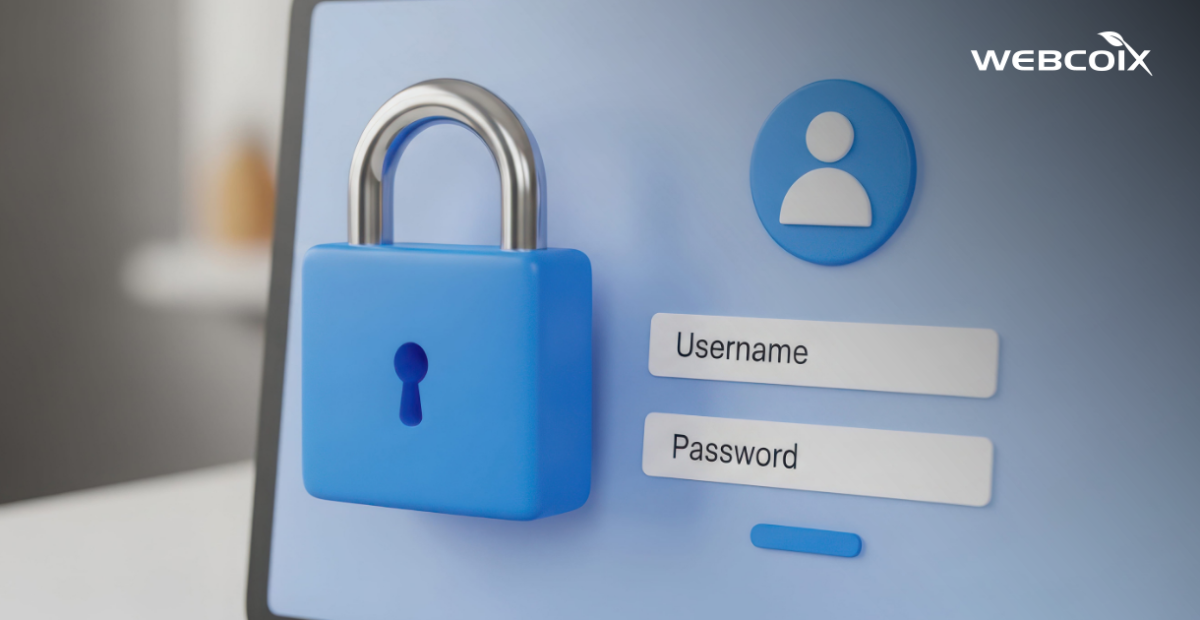

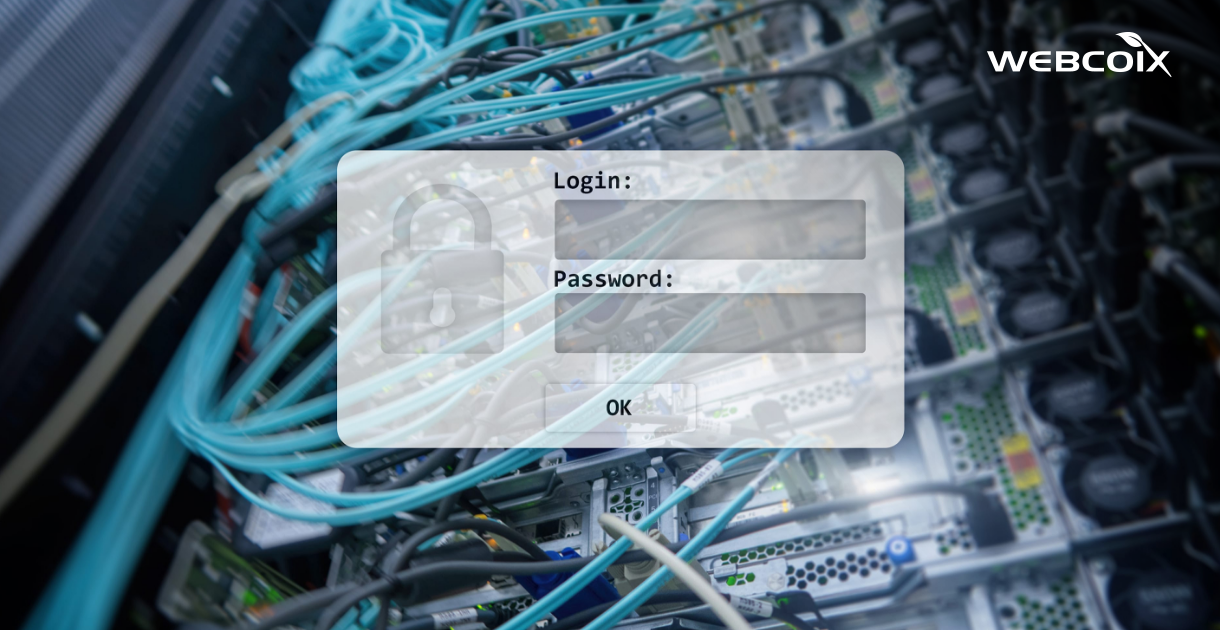
For a member portal, client area or staff system, the login page is the front door. If it is confusing, users give up. If it is careless, attackers walk in. Good design achieves both safety and ease, a balance explored in the security paradox: high-protection interfaces that feel effortless.
Usability Rules That Reduce Support Calls
- Let users see their password with a show/hide toggle, especially on mobile.
- Allow password managers and avoid blocking paste.
- Make "Forgot password" obvious and keep the reset process short.
- Use large, thumb-friendly fields, as discussed in one-handed browsing.
- Write clear error messages that explain how to fix a problem. For more, see form design that improves completion.
Security Rules That Actually Matter
- Use a generic failure message such as "email or password is incorrect," so attackers cannot learn which accounts exist.
- Limit repeated attempts with rate limiting or temporary lockouts, and add CAPTCHA and two-factor authentication where risk is higher.
- Favour long passwords over complicated ones. Current guidance from bodies such as NIST encourages length, checking against known breached passwords, and avoiding forced changes without a reason.
- Offer multi-factor authentication, and consider passkeys, which resist phishing.
- Store passwords as salted hashes, never in plain text, and serve the page over HTTPS only.
- Log sign-ins and alert users about new devices or unusual activity.
Our guide on high-security authentication best practices goes deeper, and why your UX team is your best security asset shows how design choices prevent mistakes.
Avoid Common Mistakes
- Revealing whether an email address is registered.
- Sending passwords by email.
- Asking users to change passwords every few weeks for no reason.
- Ignoring accessibility, which locks out real customers. See responsive design and accessibility compliance.
How WEBCOIX Can Help
WEBCOIX designs and builds login portals with usability and security planned together from the start, ensuring your member portal, client area, or staff system blocks threats without frustrating legitimate users:
Tailored Authentication Architecture: Depending on your platform's risk profile, we integrate multi-factor authentication (MFA), phishing-resistant passkeys, rate limiting, and unusual-activity alerts to stop credential stuffing and unauthorized access at the door.
Friction-Free, Accessible UX: Following mobile-first and accessibility standards, we build thumb-friendly forms with full password-manager support, clear error guidance, and streamlined recovery flows—cutting down login drop-offs and support tickets.
Built-In Data & Form Protection: Every portal is engineered with HTTPS enforcement, salted password hashing, and hardened form validation to protect sensitive user data and keep your backend compliant with modern security best practices.
Audits & Upgrades for Existing Portals: Backed by 20+ years of experience and over 8,000 completed projects, we can also audit your current login experience to uncover hidden security gaps or UX bottlenecks and implement practical, high-impact fixes.
Learn more about how WEBCOIX protects your website, or contact our team to discuss building a safer, smoother front door for your platform.